
Available on iOS and Android
Your gym, in your pocket.
The GymLeb member app. Book classes, keep an eye on your subscription, follow your training and hear from your gym, on iOS and Android.
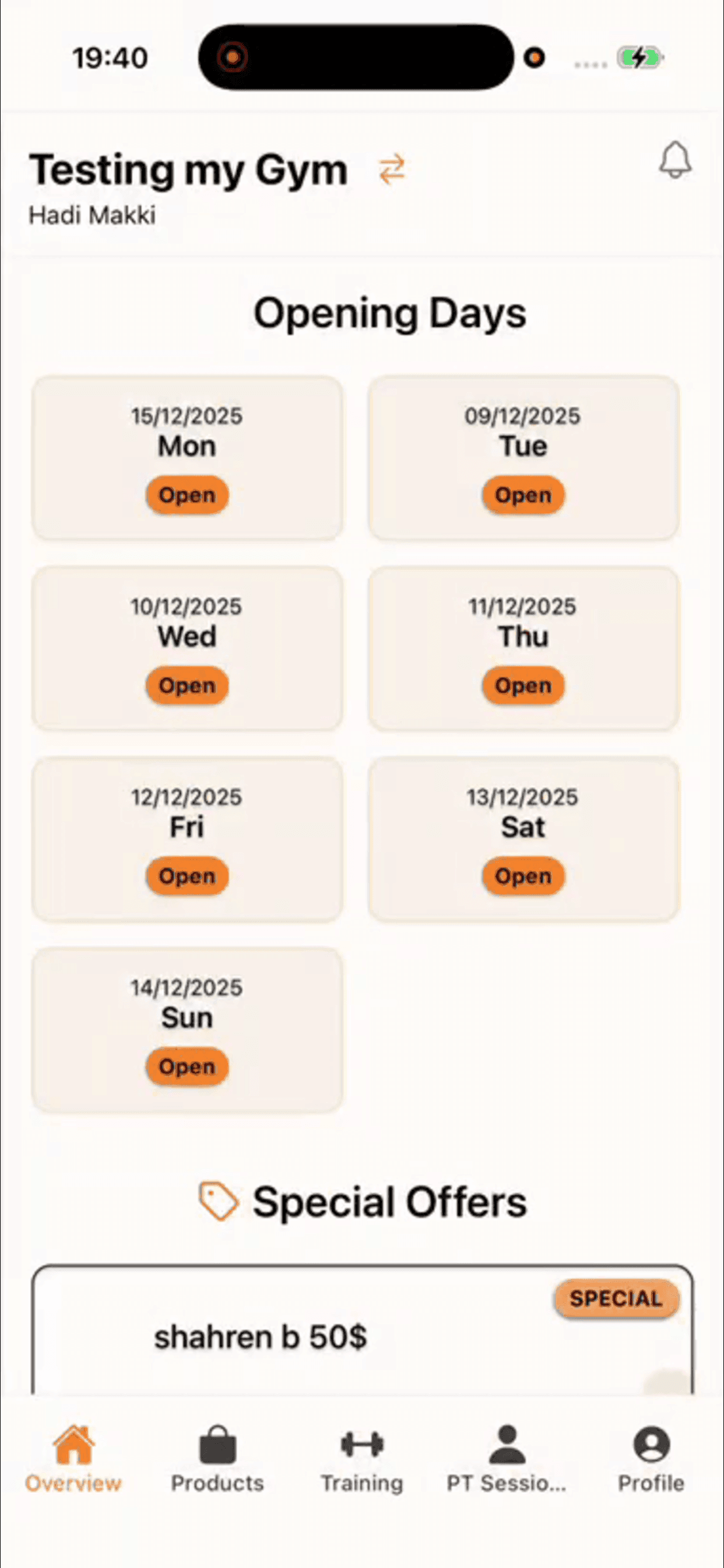
What members can do in the app
Book classes
See the class schedule and reserve a spot without calling the front desk.
Track your subscription
Check what you pay for, when it ends, and get a warning before it runs out.
Training and PT sessions
Follow the program your coach set and see your upcoming personal training sessions.
Gym products
Browse the supplements and products your gym sells before you visit.
Notifications
Hear about renewals, class changes and offers from your gym as they happen.
Install it in three steps
- Step 1
Open your app store
On iPhone or iPad, open the Apple App Store. On Android, open Google Play.
- Step 2
Search for "GymLeb"
Look for the official GymLeb member app published by GymLeb, or use the buttons above.
- Step 3
Install and sign in
Tap Install (or Get on iOS), then sign in with the email and password your gym gave you.
Your gym has to be on GymLeb for you to sign in. Ask the front desk for your login if you do not have one yet.